Mantén Tu Número. Mantén Tus Chats.Migra tu número existente de WhatsApp Business a la API oficial en minutos. Sin riesgo de baneo, historial de chats preservado, la app móvil sigue funcionando.
Conecta vía Facebook • Socio Oficial de Meta • Prueba gratis incluida
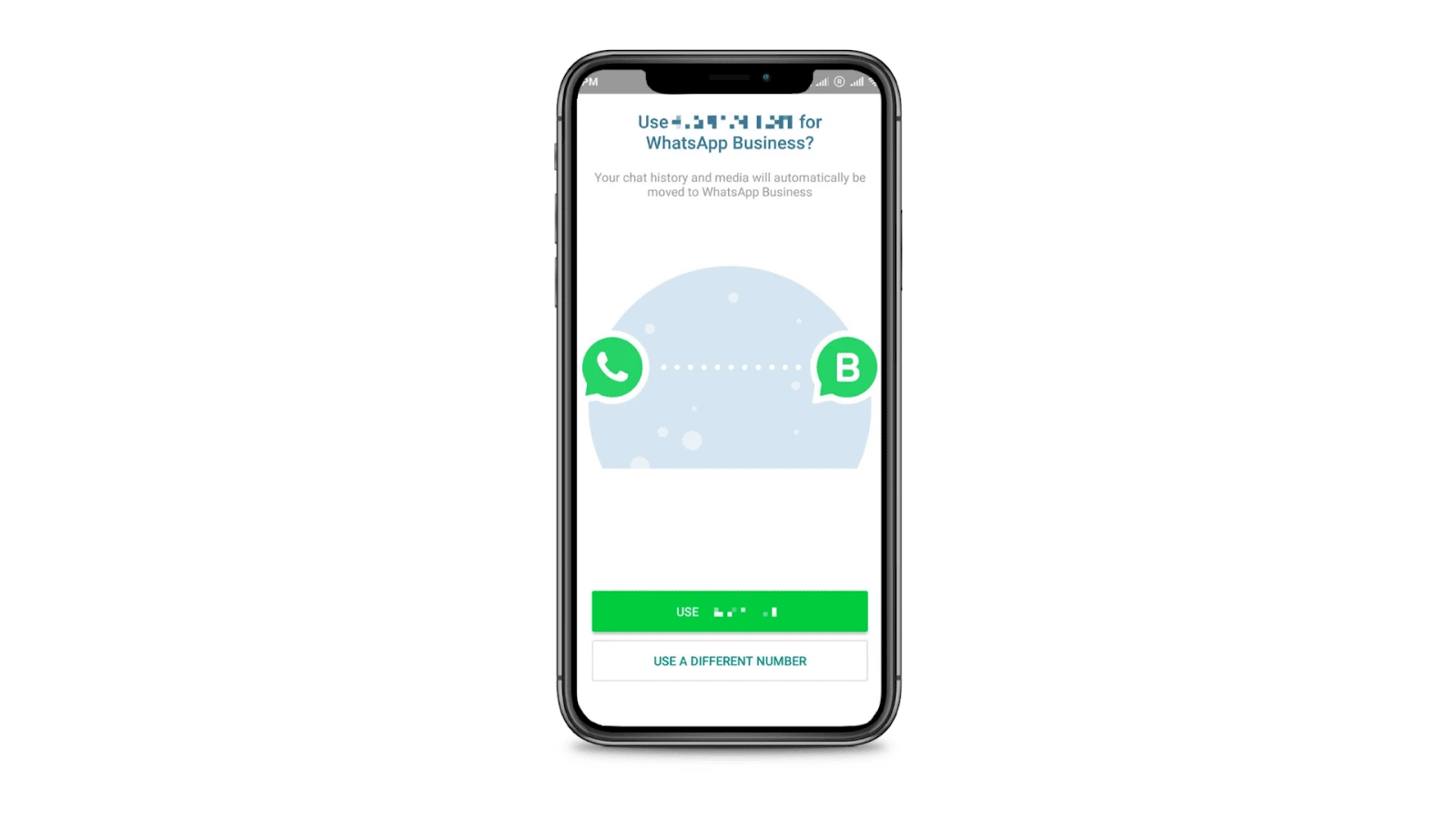
Para migrar tu número de WhatsApp Business a la API, necesitas la app de WhatsApp Business, una cuenta de Facebook y tu teléfono móvil. El proceso toma aproximadamente 5 minutos: conecta vía Meta, verifica tu número y tus chats y contactos existentes se mantienen intactos. Tu app móvil sigue funcionando junto con la API.
Desbloquea funciones poderosas mientras mantienes todo lo que ya tienes
La integración oficial de la API de WhatsApp elimina el riesgo de baneos y desconexiones que pueden ocurrir con métodos no oficiales.
Sigue teniendo acceso a todos tus chats y contactos tanto en la app móvil como en WhatsTeam. Tu historial de conversaciones se preserva.
Sigue usando tu app móvil de WhatsApp Business mientras aprovechas la API oficial. No necesitas registrar un nuevo número.
Completa la migración en minutos con nuestro proceso guiado simple. No se requiere experiencia técnica.
Asegúrate de cumplir estos requisitos antes de iniciar la migración
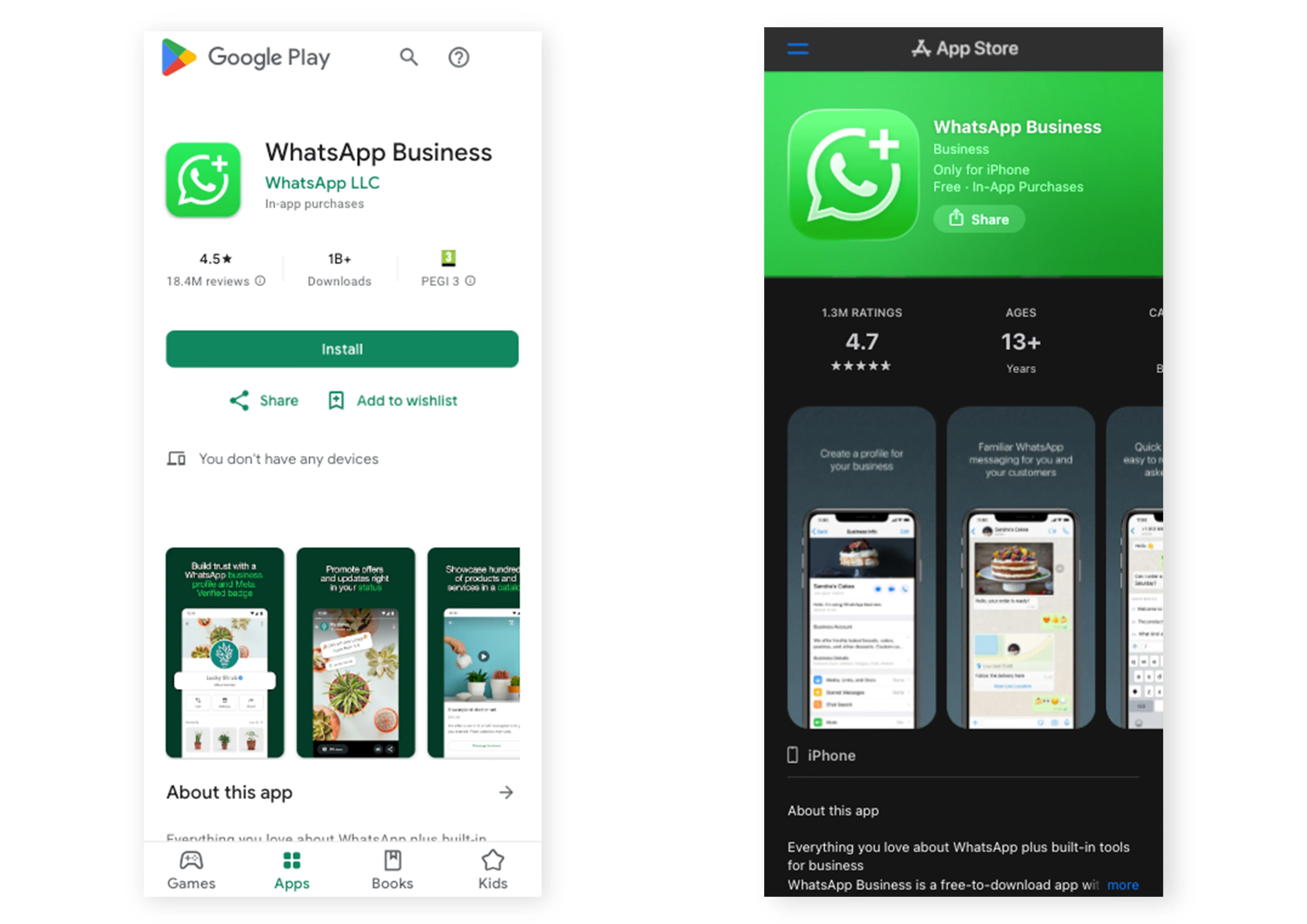
Debes estar usando la App de WhatsApp Business (no WhatsApp personal) en tu teléfono. Si usas WhatsApp personal, consulta la sección de Pre-Migración más abajo.
Necesitas una cuenta de Facebook activa vinculada a tu negocio. Esto es necesario para el proceso de autenticación con Meta.
Ir a Facebook →Necesitarás tu teléfono móvil durante la migración para vincular tu número actual de WhatsApp Business.
El proceso de configuración es fácil y puede completarse en minutos siguiendo los pasos de incorporación.
Estas funciones NO estarán disponibles vía API pero SÍ seguirán funcionando en tu app móvil
La gestión y mensajería de grupos solo estará disponible a través de la app móvil. No puedes enviar ni recibir mensajes grupales a través de la API.
La mensajería de Canales de WhatsApp solo estará disponible a través de la app móvil.
Ver y publicar actualizaciones de estado solo estará disponible a través de la app móvil.
Meta cobra por los mensajes de plantilla pre-aprobados enviados a través de la API. Se aplican ciertas restricciones y costos adicionales a los mensajes salientes.
Los dispositivos vinculados existentes (WhatsApp Web/Escritorio) se desconectarán durante la migración. Puedes reconectarlos después de completarla.
Aprende más sobre limitaciones al usar WABA Cloud API
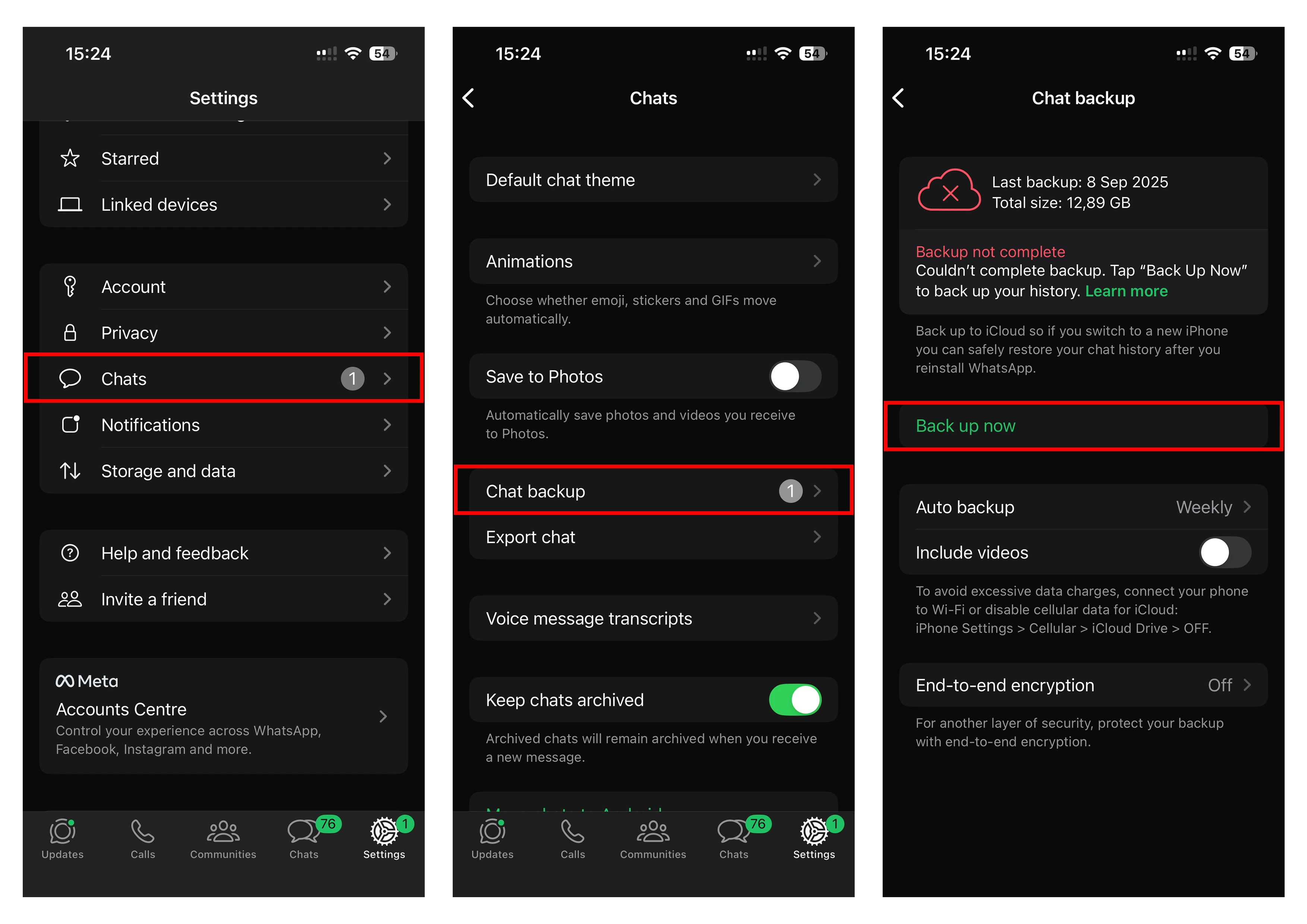
Si actualmente usas WhatsApp personal, primero migra a WhatsApp Business App
Omite esta sección si ya estás usando WhatsApp Business App.
Esto es lo que puedes esperar una vez que tu número de WhatsApp esté migrado exitosamente
Puedes seguir usando la app de WhatsApp Business en tu teléfono para mensajería individual, grupos, canales y actualizaciones de estado.
Los mensajes se sincronizan entre la plataforma y tu teléfono. Los mensajes enviados vía API aparecen en tu App de WhatsApp Business, y viceversa.
Ahora puedes usar:
Si tenías WhatsApp Web o Escritorio conectados, necesitarás reconectarlos:
Soluciones a problemas comunes que puedes encontrar durante o después de la migración
Respuestas rápidas a preguntas comunes sobre la migración de WhatsApp Business API
Únete a miles de empresas usando WhatsApp Business API con WhatsTeam
Socio Oficial de Meta Business • 10,000+ empresas migradas • Prueba gratis incluida